
No products in the cart.
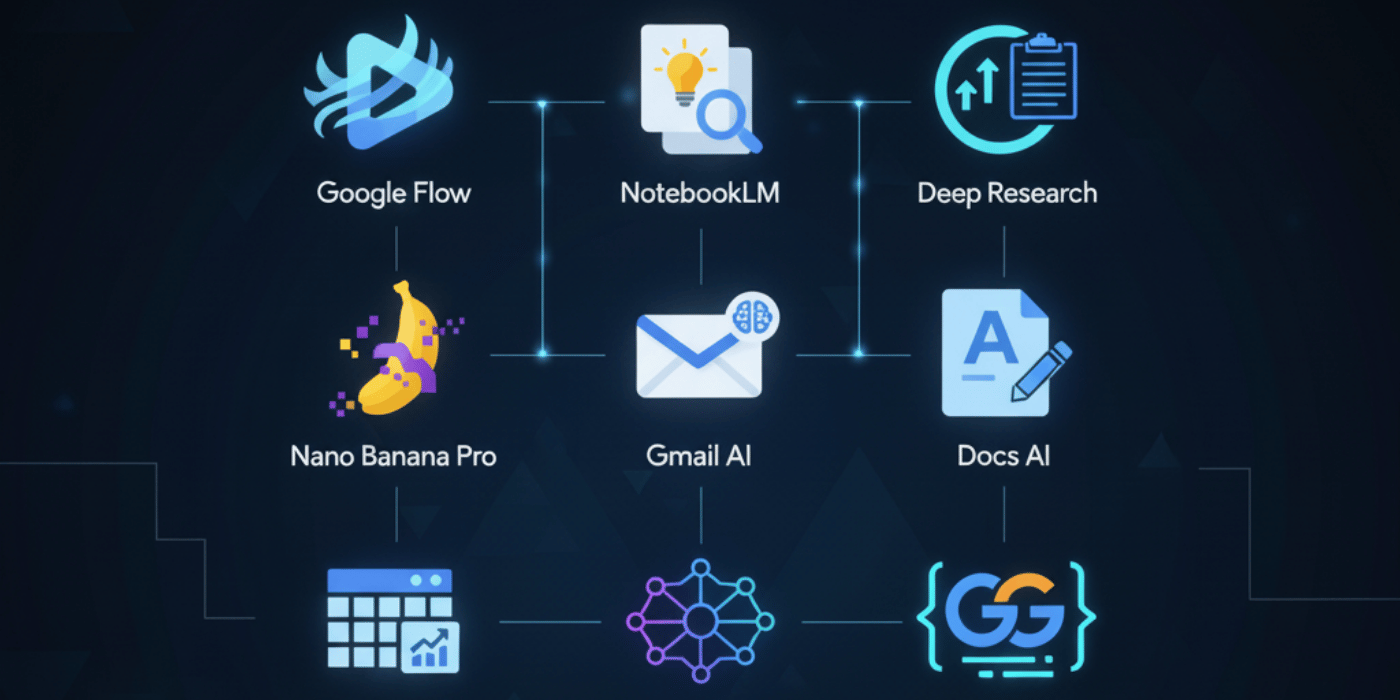
The landscape of artificial intelligence has shifted dramatically. It wasn’t long ago that we marveled at basic chatbots; now, in 2026, we are integrating multimodal assistants into every facet of our digital lives. Google has unveiled a suite of tools that promise not just to automate tasks, but to fundamentally reshape how we create, work, and learn.
From video generation to deep analytical research, the new lineup is designed to be intuitive and powerful. Whether you are a creative professional looking to streamline your design process or a business owner needing enterprise-level machine learning, Google’s latest offerings have something for everyone. This guide explores these groundbreaking tools and how they can elevate your daily workflow.
Key Highlights: Future-Ready AI Tools
Here is a quick summary of the major innovations we will cover:
[Gemini App: Multimodal chat, Gmail/Photos integration. Free/$20/mo
- (Google Flow) AI video generation. Free
- (NotebookLM) Document analysis, podcasts. Free
- (Deep Research) Autonomous reports. Premium
- (Nano Banana Pro) Image editing. Included
- (Workspace AI) Gmail/Docs/Sheets help. Business
- (Vertex AI) Enterprise ML. Pay-as-you-go
- (Gemini Code Assist) Coding help. Free tier
- (Project Astra) Visual AI assistant. Pixel rollout
- (Veo 3.1) Video updates.
The landscape of digital productivity has shifted dramatically this year. Google’s latest suite of artificial intelligence tools isn’t just about flashy features; it’s about integrating smarter workflows directly into the apps we use daily. From creative video generation to enterprise-grade machine learning, here is a detailed breakdown of the key tools defining 2026.
1. Google Flow: AI Video Generation
Access: Free
Gone are the days of seeking professional video editors as Google Flow has transformed into this new-age democratized aesthetics, allowing average Joe to create stunning motion graphics. This free tool enables users to create short, high-resolution video clips from simple text prompts. Ideal for social media managers, educators, and content creators looking to create engaging visuals without having to learn how to use high-end animation software.
Say you need a background for a presentation, or you want to make a very short explainer clip for Instagram. With Google Flow all you do is type a description, and let the AI work its magic. It’s especially helpful for people who want to make dynamic offerings but don’t have the budget of a full production house. It’s not high-end cinema gear, by any means; it is a game changer for quick, creative assets that stop the scroll in busy feed.
2. NotebookLM: Document Analysis & Podcasts
Access: Free
NotebookLM has become a powerhouse for students and researchers, revolutionizing the way we interact with information. Whereas regular note-taking apps will rely on generic programs, NotebookLM aims to “ground” its AI in your own documents so that answers are direct responses with respect to your document. It vividly translates dense reports into slick, podcast-like audio summaries a highlight in 2026. This is huge for auditory learners or busy professionals who want to absorb white papers while commuting.
Of course the NotebookLM vs Notion distinction is obvious. Notion is better at organizing databases and managing projects, while NotebookLM shines in synthesizing existing content and less so for retrieval. I suppose if you wanted something like that combined with audio output, there are fewer alternatives to NotebookLM. It is still one of the most potent free tools in Google’s knowledge-making arsenal.
3. Deep Research: Autonomous Reports
Access: Premium
Deep Research is the premium tool of choice for users requiring rigorous accuracy. It does more than run a search query; it can perform multi-step research projects autonomously. This tool will save you days of manual work if you need to do deep research on construction regulatory landscape add all sources. It searches reputable sources, cross references facts and assembles detailed reports with citations.
Analysts, legal professionals, and academics could find this tool invaluable. It’s like a relentless research assistant that doesn’t merely find links, but comprehends and condenses the information for you. Now take away the tedious task of Data Gathering with Deep Research, which automates heavy lifting while allowing professionals to focus on strategy and decisions, instead of losing themself in tabs.
4. Nano Banana Pro: Image Editing
Access: Included
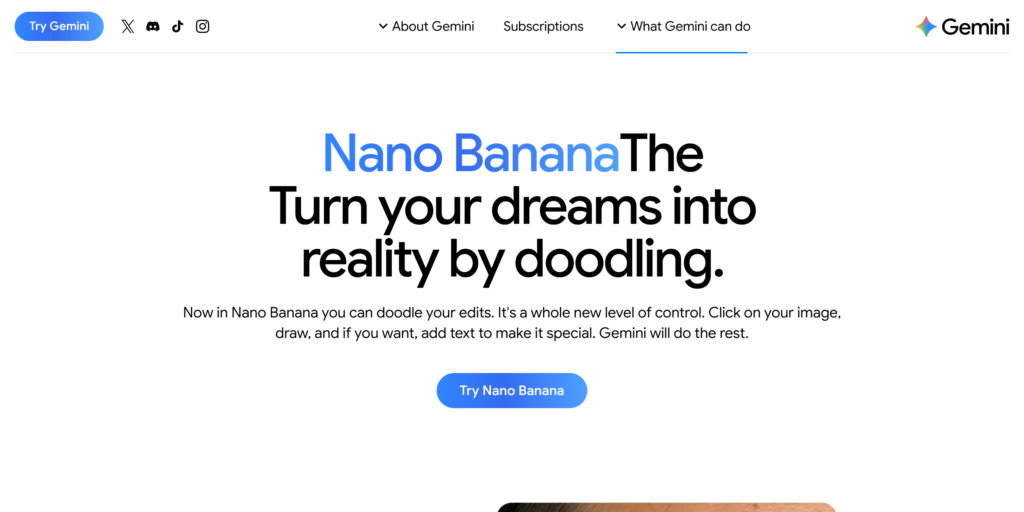
Part of the standard Google suite, Nano Banana Pro makes professional-grade image editing accessible to everyone. It uses sophisticated generative fill technology to change images with jaw-dropping reality. Whether it’s to remove a distracted photobomber or completely swap the lighting within a scene, this tool accomplishes it with ease.
A user might enter a Nano Banana AI prompt such as “change background to a modern office loft” and the tool will tweak shadows, reflections and perspective accordingly. It has a huge use for entrepreneurs who need to get a “clean, approachable profile picture for a business professional” Fabio said without the cost of hiring one. With high-end editing capabilities now baked directly into the Photos app, Google has set professional visual standards as the new baseline for everyone.
5. Workspace AI: Gmail, Docs & Sheets Help
Access: Business
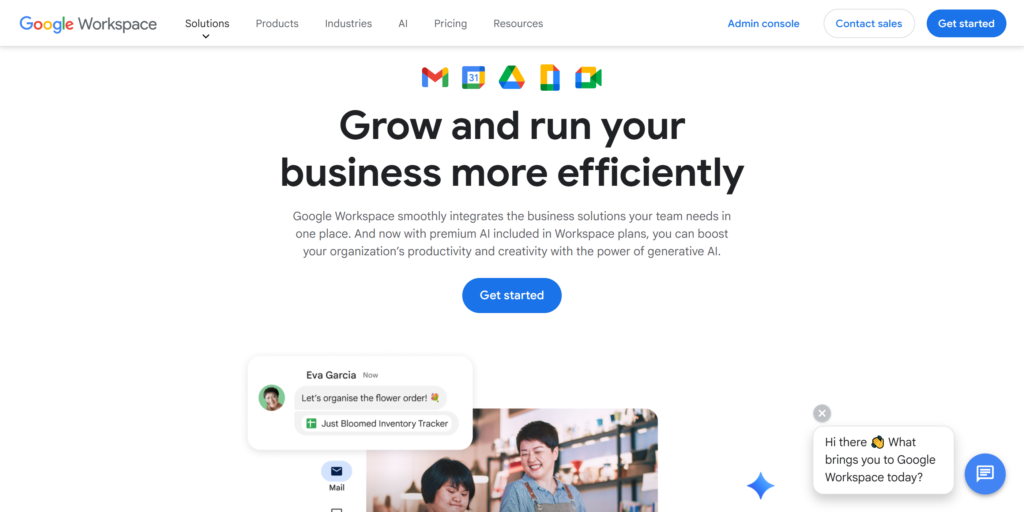
Workspace AI infuses intelligence directly into the office suite, purpose-built for corporate users. It provides context-aware help throughout Gmail, Google Docs and Sheets. This is not merely spell-check; we are talking about writing whole email replies using retrospective threads, summarizing extensive author meeting notes at once.
This tool is priceless for marketers. It’s another tool that will help you make sure your content keywords from Google Webmaster Tools, are integrated into your copy naturally without you having to check for it. In Sheets, it can examine raw data and recommend relevant charts or pivot tables, saving hours of formatting by hand. It serves as an inbuilt analyst and a second editor to streamline communications while maintaining uniformity across business documents.
6. Vertex AI: Enterprise ML
Access: Pay-as-you-go
On the enterprise side, Vertex AI maintains its lead with flexible pay-as-you-go pricing. It is a unified platform for businesses to build, deploy and scale custom ML models. That is where big business and big data meet. For example, a logistics company could use a vertex ai search manufacturing case study to create a predictive maintenance model of their machines and optimize their entire supply chain.
An Additional Reinforcement: Vertex AI for Marketing Insights Integrating AI-powered BI tool integrations HubSpot Google Ads Snowflake helps businesses provide visibility into their performance across systems. Such insight is key to finding the tools to uncover wasted ad spend Google Ads and increase ROI. It enables organizations to shift from reactive decision-making to predictive strategies.
7. Gemini Code Assist: Coding Help
Access: Free Tier
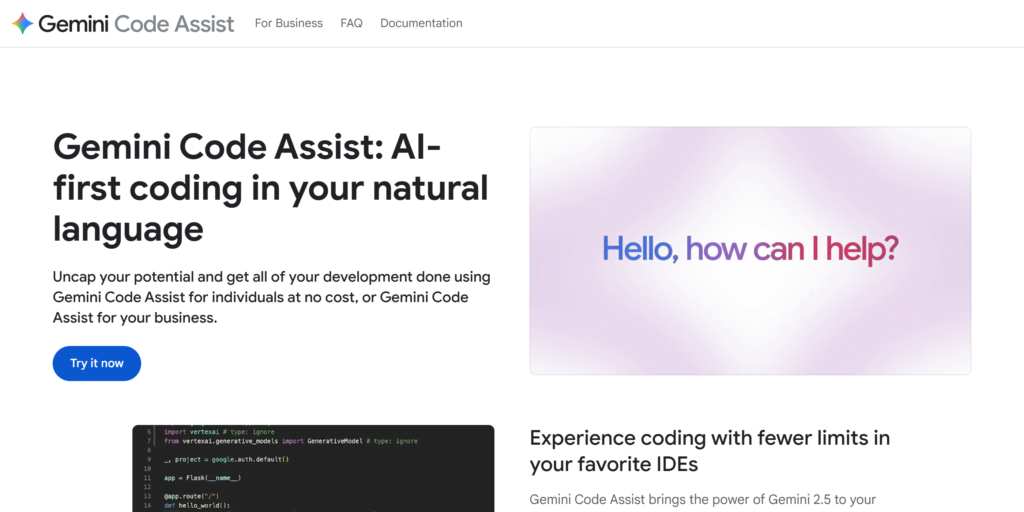
Gemini Code Assist’s free tier is specifically for developers and works as an intelligent pair programming assistant. It aids in debugging complex errors, proposes code optimizations, and can even batch-write boilerplate on the go. This tool saves a lot on the development time of coders per se, as coders can now spend time working primarily on logic and architecture rather than correcting syntax errors.
It fully integrates with popular IDEs and is a frictionless addition to any developers workflow. For those who are professional engineers or students learning Python, the ability to have an AI contextually attached to your codebase that can suggest fixes on the fly is a huge productivity enhancer.
8. Project Astra: Visual AI Assistant
Access: Pixel Rollout
Project Astra: Your Visual AI Assistant to the World (coming to Pixel devices, bridging digital knowledge with real-world interaction). Astra can see what you see through your camera lens. For example, when you are trying to put together a piece of furniture or find the correct part in a hardware store, you can aim your phone and Astra will recognize what it is and give relevant information or instructions.
This live visual help is a step forward from static-image search. It knows context and spatial relationships, giving the impression that you’re standing next to an expert. It turns your smartphone camera from a passive capturing device and into an active problem-solving tool.
9. Veo 3.1: Video Updates
Access: Variable (updates to existing tools)
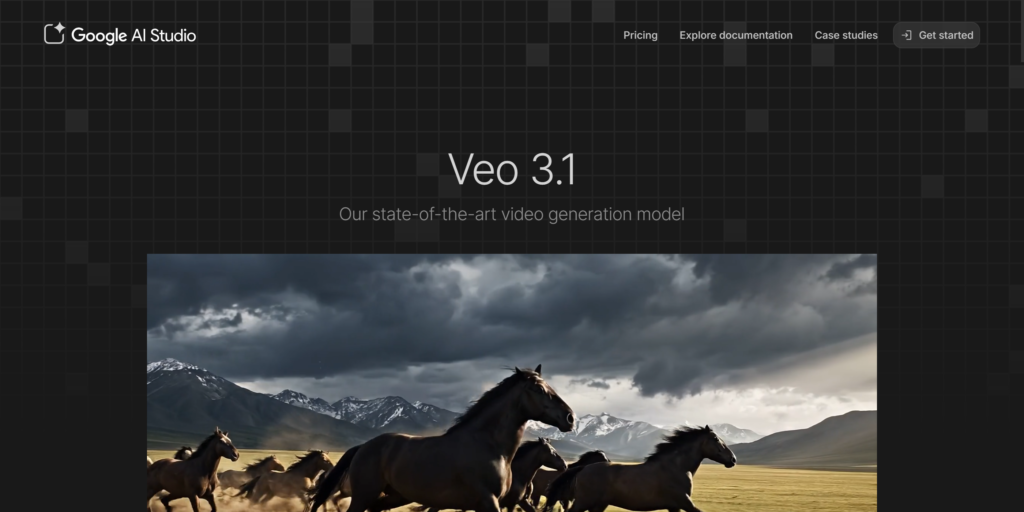
Major Updates to Video Rendering and Generation for Video Professionals This improves resolution, frame rate consistency and generation speed until AI-generated video is indistinguishable from shot footage.
This update is particularly important for creators who use tools like the scribble tool on Google Slides to create mock-ups of storyboards before they create a clip. Veo 3.1 promises to make the journey from concept to broadcast quality high-definition video smoother and faster than ever before. It chronicles Google’s renewed commitment to keeping its suite of creative tools behind the curve, giving content creators access to the capabilities they need to tell great stories.
Conclusion
The Google AI product lineup of 2026 is a more mature form of artificial intelligence. We have progressed beyond novelty into a practical, integrated utility era. These tools are designed to amplify human potential, whether in the hyper personalized only Geminia nd Project Astra can help you kind of way or in the unleash your best self kind of way like with Nano Banana Pro and Google Flow.
Be it a student using NotebookLM to learn or a CEO using Deep Research for strategy, the wall between thought and execution has never been lower. But now is a time to experiment with these tools to see how they can fundamentally change your own productivity, and creativity





Add comment